您现在的位置是:首页 > cms教程 > 帝国CMS教程帝国CMS教程
帝国cms增加tags封面图片的方法
 怜云2023-05-14帝国CMS教程已有人查阅
导读帝国cms二次开发tags增加封面图片步骤,1、首先帝国CMS tags默认的字段肯定是没有这些字段的,所以我们就手动加几个字段。
帝国cms二次开发tags增加封面图片步骤
1、首先帝国CMS tags默认的字段肯定是没有这些字段的,所以我们就手动加几个字段。
添加tagimg,path两个字段,一个为封面图,一个是地址
类型都是:VARCHAR,长度:200,整理:utf8_general_ci
2、修改后台tags添加页面
打开/e/admin/tags/AddTags.php
里面的表单替换成如下代码
<form name="form1" method="post" action="ListTags.php">
<table width="100%" border="0" align="center" cellpadding="3" cellspacing="1" class="tableborder">
<?=$ecms_hashur['form']?>
<tr class="header">
<td height="25" colspan="2"><?=$postword?>
<input name="enews" type="hidden" id="enews" value="<?=$enews?>"> <input name="tagid" type="hidden" id="tagid" value="<?=$tagid?>">
<input name="fcid" type="hidden" id="fcid" value="<?=$fcid?>"> </td>
</tr>
<tr bgcolor="#FFFFFF">
<td height="25">所属分类:</td>
<td height="25"><select name="cid" id="cid">
<option value="0">不分类</option>
<?=$cs?>
</select>
<input type="button" name="Submit62223" value="管理分类" onClick="window.open('TagsClass.php<?=$ecms_hashur['whehref']?>');"></td>
</tr>
<tr bgcolor="#FFFFFF">
<td width="18%" height="25">TAG名称:</td>
<td width="82%" height="25"> <input name="tagname" type="text" id="tagname" value="<?=$r[tagname]?>" size="42">
<font color="#666666">(最多20个字)</font> </td>
</tr>
<tr bgcolor="#FFFFFF">
<td height="25">网页标题:</td>
<td height="25"><input name="tagtitle" type="text" id="tagtitle" value="<?=ehtmlspecialchars($r[tagtitle])?>" size="42">
<font color="#666666">(最多60个字)</font></td>
</tr>
<tr bgcolor="#FFFFFF">
<td height="25">网页关键词:</td>
<td height="25"><input name="tagkey" type="text" id="tagkey" value="<?=ehtmlspecialchars($r[tagkey])?>" size="42">
<font color="#666666">(最多100个字)</font></td>
</tr>
<tr bgcolor="#FFFFFF">
<td height="25">网页描述:</td>
<td height="25"><textarea name="tagdes" cols="70" rows="8" id="tagdes"><?=$r[tagdes]?></textarea>
<font color="#666666">(最多255个字)</font></td>
</tr>
<tr bgcolor="#FFFFFF">
<td width="18%" height="25">TAG文件名:</td>
<td width="82%" height="25"> <input name="path" type="text" id="path" value="<?=$r[path]?>" size="42">
</td>
</tr>
<tr bgcolor="#FFFFFF">
<td height="25">TAG缩略图</td>
<td><input name="tagimg" type="text" id="tagimg" value="<?=$r[tagimg]?>" size="38">
<a onClick="window.open('../ecmseditor/FileMain.php<?=$ecms_hashur['whehref']?>&modtype=1&type=1&classid=&doing=2&field=tagimg&filepass=2&sinfo=1','','width=700,height=550,scrollbars=yes');" title="选择已上传的图片"><img src="../../data/images/changeimg.gif" width="22" height="22" border="0" align="absbottom"></a></td>
</tr>
<tr bgcolor="#FFFFFF">
<td height="25"> </td>
<td height="25"> <input type="submit" name="Submit" value="提交"> <input type="reset" name="Submit2" value="重置"></td>
</tr>
</table>
</form>
3、修改数据提交,修改
打开/e/admin/tags/ListTags.php
//增加TAGS
function AddTags($add,$userid,$username){
	global $empire,$dbtbpre;
	$tagname=RepPostVar($add['tagname']);
	$cid=(int)$add['cid'];
	if(!$tagname)
	{
		printerror("EmptyTagname","history.go(-1)");
	}
	//验证权限
	CheckLevel($userid,$username,$classid,"tags");
	$ecms_fclast=time();
	$add['tagtitle']=hRepPostStr(RepPhpAspJspcode($add['tagtitle']));
	$add['tagkey']=hRepPostStr(RepPhpAspJspcode($add['tagkey']));
	$add['tagdes']=hRepPostStr(RepPhpAspJspcode($add['tagdes']));
	$path=$add['path'];
	$tagimg=$add['tagimg'];

	$num=$empire->gettotal("select count(*) as total from {$dbtbpre}enewstags where tagname='$tagname' limit 1");
	if($num)
	{
		printerror("HaveTagname","history.go(-1)");
	}
	$sql=$empire->query("insert into {$dbtbpre}enewstags(tagname,num,isgood,cid,tagtitle,tagkey,tagdes,fclast,path,tagimg) values('$tagname',0,0,'$cid','$add[tagtitle]','$add[tagkey]','$add[tagdes]','$ecms_fclast','$add[path]','$add[tagimg]');");
	if($sql)
	{
		$tagid=$empire->lastid();
		//操作日志
		insert_dolog("tagid=$tagid&tagname=$tagname");
		printerror("AddTagsSuccess","AddTags.php?enews=AddTags".hReturnEcmsHashStrHref2(0));
	}
	else
	{
		printerror("DbError","history.go(-1)");
	}
}


//修改TAGS
function EditTags($add,$userid,$username){
	global $empire,$dbtbpre;
	$tagid=(int)$add['tagid'];
	$tagname=RepPostVar($add['tagname']);
	$cid=(int)$add['cid'];
	$path=$add['path'];
	$tagimg=$add['tagimg'];
	if(!$tagid||!$tagname)
	{
		printerror("EmptyTagname","history.go(-1)");
	}
	//验证权限
	CheckLevel($userid,$username,$classid,"tags");
	$ecms_fclast=time();
	$add['tagtitle']=hRepPostStr(RepPhpAspJspcode($add['tagtitle']));
	$add['tagkey']=hRepPostStr(RepPhpAspJspcode($add['tagkey']));
	$add['tagdes']=hRepPostStr(RepPhpAspJspcode($add['tagdes']));
	$num=$empire->gettotal("select count(*) as total from {$dbtbpre}enewstags where tagname='$tagname' and tagid<>$tagid limit 1");
	if($num)
	{
		printerror("HaveTagname","history.go(-1)");
	}
	$sql=$empire->query("update {$dbtbpre}enewstags set tagname='$tagname',cid='$cid',tagtitle='$add[tagtitle]',tagkey='$add[tagkey]',tagdes='$add[tagdes]',fclast='$ecms_fclast',path='$path',tagimg='$tagimg' where tagid='$tagid'");
	if($sql)
	{
		//操作日志
		insert_dolog("tagid=$tagid&tagname=$tagname");
		printerror("EditTagsSuccess","ListTags.php?cid=$add[fcid]".hReturnEcmsHashStrHref2(0));
	}
	else
	{
		printerror("DbError","history.go(-1)");
	}
}
帝国CMS二次开发tags增加封面图片使用方法已完成。
感谢您的认可和支持

微信

支付宝
本文标签:
很赞哦! ()
上一篇:帝国tags伪静态步骤教程
相关教程
图文教程
帝国cms隔行换色换样式效果的实现方法
帝国cms隔行换色换样式的效果其实用CSS3就可以解决,但是低版本浏览器不支持CSS,所以我们还是不能放弃通过后端代码实现的方式。
本地环境phpStudy搭建帝国CMS的方法
phpStudy是一款老牌服务器环境一键集成软件了,软件一键安装,安装完成之后不在需要配置就能够使用,非常的简单方便,可以说是非常好用的PHP调试环境。
帝国CMS伪静态页空白或者其它页面空白怎么办
帝国CMS,动态栏目启用伪静态功能,且已上传.htaccess 文件。是不是后台参数设置里关闭了“前台所有动态页面”呢?一看,果然关闭了。开启,伪静态页面访问正常。
帝国cms的phome_enewstempgroup模板组表
本文提供了帝国cms的phome_enewstempgroup模板组表的字段类型和注释说明欢迎查阅!
相关源码
-
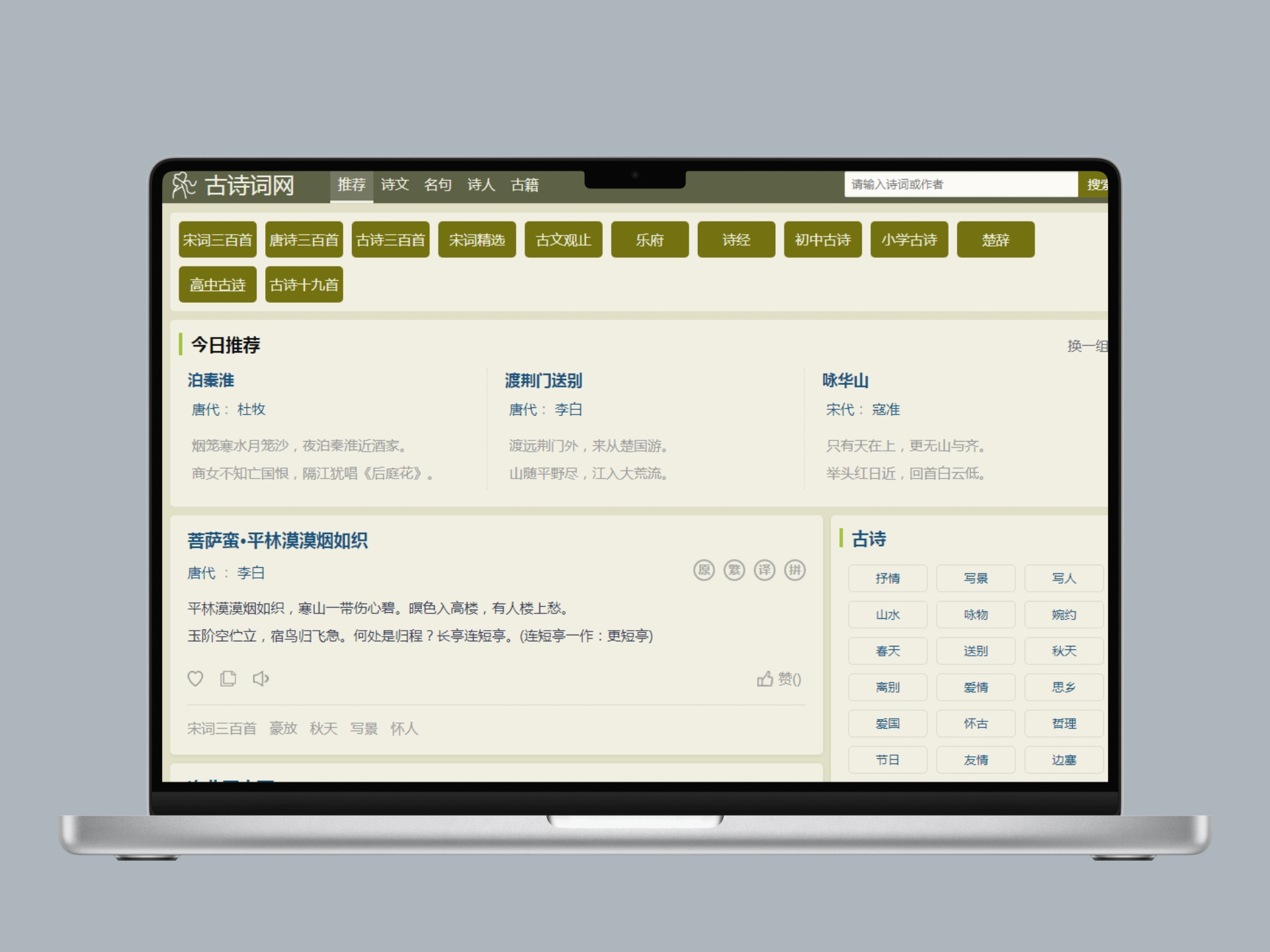 帝国cms自适应古诗词古籍名句网站整站带数据基于帝国CMS打造的专业古诗词文化网站模板,专注于古典文学内容的展示与传播。模板设计蕴含传统文化韵味,支持诗词鉴赏、名句赏析、古籍整理等特色功能,为诗词爱好者提供优质的在线阅读体验。查看源码
 -
 (响应式)wordpress模板VieuV4.5主题资讯自媒体博客源码Vieu主题专注于个人博客与企业展示场景,采用响应式设计确保在手机、电脑、平板等多设备上的展示。主题集成会员中心、投稿系统、内容保护等实用功能,满足现代博客网站的建设需求。查看源码
 -
 蓝色工业机械五金设备pbootcms模板源码下载(PC+WAP)为机械制造与五金设备企业设计的响应式网站模板,基于PbootCMS内核开发。采用蓝色工业风格强化行业属性,宽屏布局突出设备细节展示,支持PC与WAP端自适应查看源码
 -
 (PC+WAP)楼承板建筑工程合金钢铁材料pbootcms网站源码下载为楼承板生产商及建筑工程企业设计的响应式网站模板,采用PbootCMS内核开发,同步适配电脑与移动设备浏览。通过模块化结构展示工程案例、产品参数等专业内容,帮助建筑建材企业建立标准化数字展示平台,提升行业专业形象。查看源码
 -
 (自适应)平面设计网络工作室个人作品展示网站模板免费下载基于PbootCMS内核开发的响应式网站模板,为设计工作室、创意机构打造的作品展示解决方案。通过模块化布局与极简交互设计,呈现设计作品的视觉细节,支持作品分类、案例解析等多维度展示方式。查看源码
 -
 (PC+WAP)红色户外岗亭钢结构岗亭pbootcms网站模板为钢结构岗亭、户外设施企业打造的高端响应式营销门户,基于PbootCMS开源内核深度开发,采用HTML5自适应架构,实现PC与移动端数据实时同步展示。查看源码
| 分享笔记 (共有 篇笔记) |