您现在的位置是:首页 > cms教程 > WordPress教程WordPress教程
Wordpress调用文章第一张图片的实现方法
 含蕾2025-03-26WordPress教程已有人查阅
导读之前设计WordPress主题的时候调用图片一般都是用文章内附件图片,但是有些博主为了节约博客主机空间,大部分采用外联图片,这样就无法同过这种方式调用了,所以只能用下面的这种方
之前设计WordPress主题的时候调用图片一般都是用文章内附件图片,但是有些博主为了节约博客主机空间,大部分采用外联图片,这样就无法同过这种方式调用了,所以只能用下面的这种方式来调用文章的第一张图片,WordPress调用文章第一张图片代码如下:
1 在WordPress主题的功能函数function.php文件内添加以下代码,这些 代码主要是查找文章内有没有图片并调用第一张图片地址,其工作原理是查找文章内有没<img />这个标签,如果有就调出第一张图片,如果没有就用张设计好的图片代替,这个方式用来作为文章缩略图非常有用,具体代码如下,拷贝到 function.php <?php … ?>之间即可.
全文如下:


1 在WordPress主题的功能函数function.php文件内添加以下代码,这些 代码主要是查找文章内有没有图片并调用第一张图片地址,其工作原理是查找文章内有没<img />这个标签,如果有就调出第一张图片,如果没有就用张设计好的图片代替,这个方式用来作为文章缩略图非常有用,具体代码如下,拷贝到 function.php <?php … ?>之间即可.
function catch_that_image() {
global $post, $posts;
$first_img = '';
ob_start();
ob_end_clean();
$output = preg_match_all('/<img.+src=[\'"]([^\'"]+)[\'"].*>/i', $post->post_content, $matches);
$first_img = $matches [1] [0];
if(empty($first_img)){ //Defines a default image
$first_img = "/images/default.jpg";
}
return $first_img;
}
Wordpress 主题模板调用 catch_that_image()函数,方法很简单,在需要的地方插入
<img src="<?php echo catch_that_image() ?>" alt="<?php printf( esc_attr__( 'Permalink to %s', 'catchbox' ), the_title_attribute( 'echo=0' ) ); ?>.ebingou.cn 代码号" />
即可,例如我是在首页插入,我修改了Content.php全文如下:
<?php
/**
* The default template for displaying content
*
* @package Catch Themes
* @subpackage Catch_Box
* @since Catch Box 1.0
*/
?>
<article id="post-<?php the_ID(); ?>" <?php post_class(); ?>>
<header class="entry-header">
<?php if ( is_sticky() ) : ?>
<hgroup>
<h2 class="entry-title"><a href="<?php the_permalink(); ?>" title="<?php printf( esc_attr__( 'Permalink to %s', 'catchbox' ), the_title_attribute( 'echo=0' ) ); ?>" rel="bookmark"><?php the_title(); ?></a></h2>
<h3 class="entry-format"><?php _e( 'Featured', 'catchbox' ); ?></h3>
</hgroup>
<?php else : ?>
<h1 class="entry-title"><a href="<?php the_permalink(); ?>" title="<?php printf( esc_attr__( 'Permalink to %s', 'catchbox' ), the_title_attribute( 'echo=0' ) ); ?>" rel="bookmark"><?php the_title(); ?></a></h1>
<?php endif; ?>
<?php if ( 'post' == get_post_type() ) : ?>
<div class="entry-meta">
<?php catchbox_posted_on(); ?>
<?php if ( comments_open() && ! post_password_required() ) : ?>
<span class="sep"> - </span>
<span class="comments-link">
<?php comments_popup_link(__('No Comments ↓', 'catchbox'), __('1 Comment ↓', 'catchbox'), __('% Comments ↓', 'catchbox')); ?>
</span>
<?php endif; ?>
</div><!-- .entry-meta -->
<?php endif; ?>
</header><!-- .entry-header -->
<?php
$options = catchbox_get_theme_options();
$current_content_layout = $options['content_layout'];
?>
<?php if ( is_search() ) : // Only display Excerpts for Search ?>
<div class="entry-summary">
<?php the_excerpt(); ?>
</div><!-- .entry-summary -->
<?php elseif ($current_content_layout=='excerpt' ) : // Only display Featured Image and Excerpts if checked in Theme Option ?>
<div class="entry-summary">
<?php if( has_post_thumbnail() ):?>
<a href="<?php the_permalink(); ?>" title="<?php printf( esc_attr__( 'Permalink to %s', 'catchbox' ), the_title_attribute( 'echo=0' ) ); ?>" rel="bookmark">
<?php the_post_thumbnail('featured-slider'); ?>
</a>
<?php endif; ?>
<img src="<?php echo catch_that_image() ?>" alt="<?php printf( esc_attr__( 'Permalink to %s', 'catchbox' ), the_title_attribute( 'echo=0' ) ); ?>.ebingou.cn 代码号" /> <?php the_excerpt(); ?>
</div><!-- .entry-summary -->
<?php else : ?>
<div class="entry-content">
<?php the_content( __( 'Continue reading <span class="meta-nav">→</span>', 'catchbox' ) ); ?>
<?php wp_link_pages( array(
'before' => '<div class="page-link"><span class="pages">' . __( 'Pages:', 'catchbox' ) . '</span>',
'after' => '</div>',
'link_before' => '<span>',
'link_after' => '</span>',
) );
?>
</div><!-- .entry-content -->
<?php endif; ?>
<footer class="entry-meta">
<?php $show_sep = false; ?>
<?php if ( 'post' == get_post_type() ) : // Hide category and tag text for pages on Search ?>
<?php
/* translators: used between list items, there is a space after the comma */
$categories_list = get_the_category_list( __( ', ', 'catchbox' ) );
if ( $categories_list ):
?>
<span class="cat-links">
<?php printf( __( '<span class="%1$s">Posted in</span> %2$s', 'catchbox' ), 'entry-utility-prep entry-utility-prep-cat-links', $categories_list );
$show_sep = true; ?>
</span>
<?php endif; // End if categories ?>
<?php
/* translators: used between list items, there is a space after the comma */
$tags_list = get_the_tag_list( '', __( ', ', 'catchbox' ) );
if ( $tags_list ):
if ( $show_sep ) : ?>
<span class="sep"> | </span>
<?php endif; // End if $show_sep ?>
<span class="tag-links">
<?php printf( __( '<span class="%1$s">Tagged</span> %2$s', 'catchbox' ), 'entry-utility-prep entry-utility-prep-tag-links', $tags_list );
$show_sep = true; ?>
</span>
<?php endif; // End if $tags_list ?>
<?php endif; // End if 'post' == get_post_type() ?>
<?php if ( comments_open() ) : ?>
<?php if ( $show_sep ) : ?>
<span class="sep"> | </span>
<?php endif; // End if $show_sep ?>
<span class="comments-link"><?php comments_popup_link( '<span class="leave-reply">' . __( 'Leave a reply', 'catchbox' ) . '</span>', __( '<b>1</b> Reply', 'catchbox' ), __( '<b>%</b> Replies', 'catchbox' ) ); ?></span>
<?php endif; // End if comments_open() ?>
<?php edit_post_link( __( 'Edit', 'catchbox' ), '<span class="edit-link">', '</span>' ); ?>
</footer><!-- #entry-meta -->
</article><!-- #post-<?php the_ID(); ?> -->
想要更好的显示效果就需要修改css样式来美化你的WordPress主题模板了。
感谢您的认可和支持
微信
支付宝
本文标签:
很赞哦! ()
相关教程
图文教程

WordPress怎么修改页脚版权信息
WordPress修改页脚版权信息的方法,打开footer.php,找到下面代码
wordpress后台进不去的解决方法
wordpress进不去的解决办法:1、把地址栏“wp-login.php”后面的参数删掉,然后重新输入密码登录;2、登录FTP,下载“pluggable.php”文件
CentOS8+Nginx安装部署WordPress的步骤方法
访问个人中文镜像站点 cn.wp101.net,下载较新的安装包到服务器mkdir /home/downloads cd /home/downloadswget http://cn.wp101.net/latest-zh_CN.tar.gz# 解压获得一个 wo-
wordpress源码运行方式逻辑解析
记录下自己阅读wordpress的过程。打算先整体过一遍。我下载的wordpress版本是4.9.5。首先是入口文件index.php仅仅只是告诉要使用主题,然后加载wordpress环境和模板。
相关源码
-
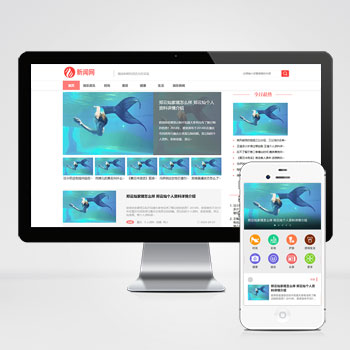 pbootcms模板PC+WAP娱乐新闻资讯类博客网站源码该模板基于PbootCMS内核开发,专为娱乐新闻、健康生活类资讯网站设计,同时支持快速适配其他行业(如企业官网、博客门户等),仅需替换图文内容即可完成转型。查看源码
 -
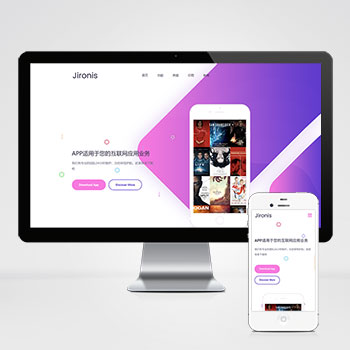 自适应APP应用程序介绍推广落地页pbootcms网站源码下载移动应用开发商设计的营销型落地页模板,基于PbootCMS内核深度开发采用前沿响应式架构,无缝适配手机端操作习惯与PC端展示需求。查看源码
 -
 自适应新闻资讯技术博客个人网站pbootcms模板该模板基于PbootCMS开源内核深度开发,该模板适用于游戏新闻网站、游戏博客等企业或个人网站,新闻资讯技术博客pbootcms模板;采用六级分辨率断点适配技术查看源码
 -
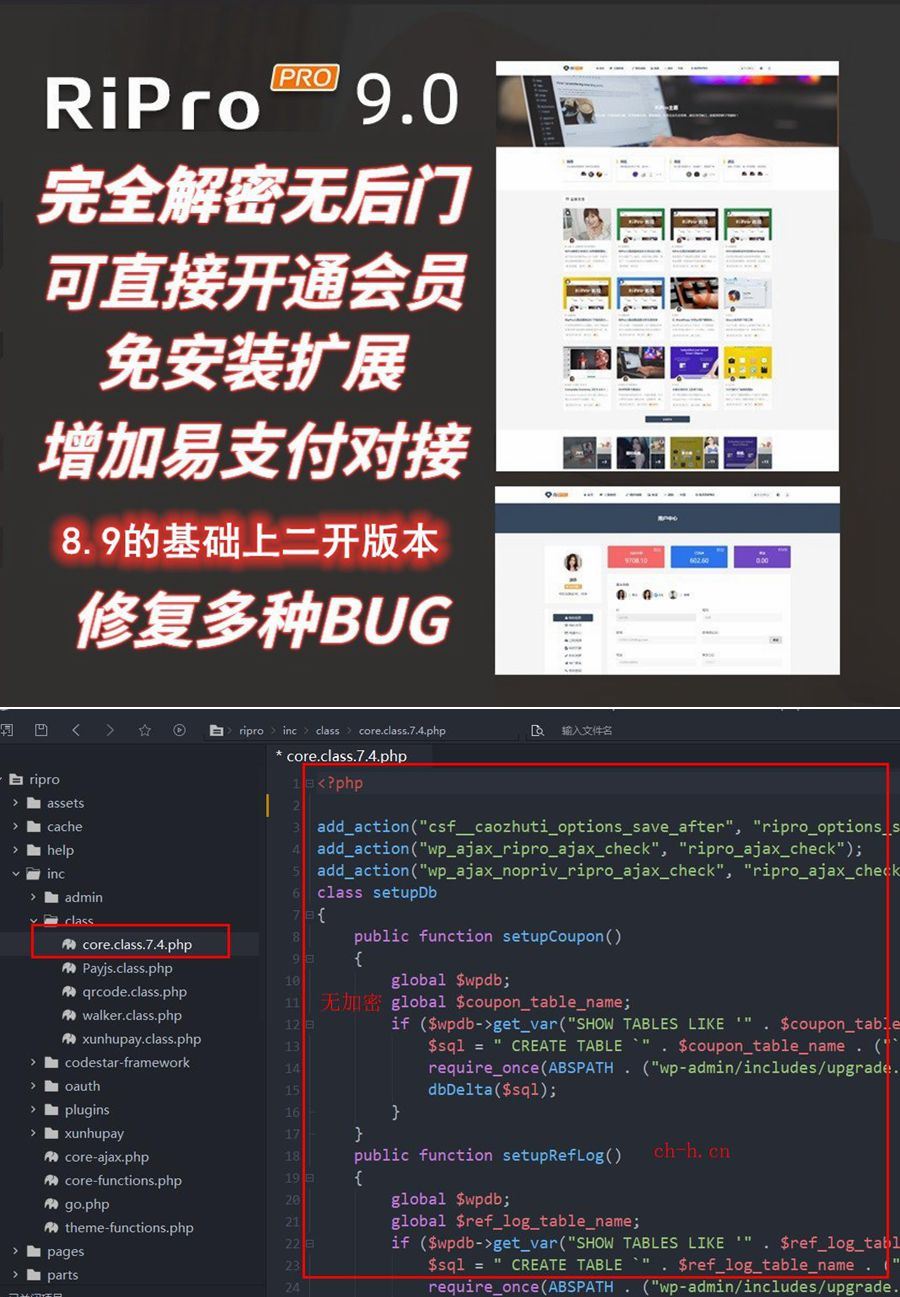 (响应式)WordPress主题Ripro9.0博客免扩展二开版RiPro9.0是基于RiPro8.9版本深度二开优化的资源付费主题,源码修正,修复原版多处功能异常,确保系统稳定运行。支持虚拟主机环境部署,无需特殊服务器配置。查看源码
 -
 (PC+WAP)化工材料企业环保能源绿色营销型pbootcms模板源码下载本模板为化工材料及环保能源企业设计,采用PbootCMS开发,可展示各类化工产品、环保技术及能源解决方案。查看源码
 -
 (自适应响应式)高端珠宝首饰奢侈品pbootcms模板下载本模板为珠宝首饰及奢侈品行业打造,采用PbootCMS内核开发,具备卓越的视觉表现力与商业转化能力。自适应设计确保在手机端呈现产品细节,后台数据实时同步,助您高效展示钻石查看源码
| 分享笔记 (共有 篇笔记) |