您现在的位置是:首页 > cms教程 > Ecshop商城教程Ecshop商城教程
ecshop调用指定dedecms织梦栏目文章列表
 幼翠2023-12-12Ecshop商城教程已有人查阅
导读系统:dedecms + ecshop 实现步骤: 1.在文章模版goods.dwt添加一个新的库文件dede_articles.lbi themes/default/goods.dwt
系统:dedecms + ecshop 实现步骤: 1.在文章模版goods.dwt添加一个新的库文件dede_articles.lbi themes/default/goods.dwt,请根据你的目录结构修改,如果是首页,请在index.php中添加,栏目页在category.php中添加


<!-- #BeginLibraryItem "/library/dede_articles.lbi" --><!-- #EndLibraryItem -->
2.themes/default/library/dede_articles.lbi
<meta http-equiv="Content-Type" content="text/html; charset=utf-8">
<!-- {if $dede_articles} -->
<div class="h3Title"><h3>相关资讯</h3></div>
<ul class="brandList">
<!-- {foreach from=$dede_articles item=article} -->
<li><a href="{$article.url}" title="{$article.title}" rel="external">{$article.short_title|escape:html}
</a> </li>
<!-- {/foreach} -->
</ul>
<!-- {/if} -->
3.goods.php载入dede,请根据你的目录结构修改,如果是首页,请在index.php中添加,栏目页在category.php中添加。
define('IN_ECS', true);
/*载入dede*/
require_once(dirname(__FILE__)."/luxury/include/common.inc.php");
4.goods.php调用dede数据,如果是首页,请在index.php中添加,栏目页在category.php中添加
$smarty->assign('dede_articles', get_dede_articles()); //dede文章列表
5.get_dede_articles函数简单实现,如果是首页,请在index.php中添加,栏目页在category.php中添加。
/**
*
* 获取dedecms的文章
* @author http://www.heui.org
* @return 文章列表
*/
function get_dede_articles() {  //文档排序的方式
$orderby = 'rand';
$ordersql = '';
if($orderby=='hot' || $orderby=='click') $ordersql = " ORDER BY arc.click $orderWay";
else if($orderby == 'sortrank' || $orderby=='pubdate') $ordersql = " ORDER BY arc.sortrank $orderWay";
else if($orderby == 'id') $ordersql = "  ORDER BY arc.id $orderWay";
else if($orderby == 'near') $ordersql = " ORDER BY ABS(arc.id - ".$arcid.")";
else if($orderby == 'lastpost') $ordersql = "  ORDER BY arc.lastpost $orderWay";
else if($orderby == 'scores') $ordersql = "  ORDER BY arc.scores $orderWay";
else if($orderby == 'rand') $ordersql = "  ORDER BY rand()";
else $ordersql = " ORDER BY arc.sortrank $orderWay";
//limit条件
$line = 10;
$limit = trim(preg_replace('#limit#is', '', $limit));
if($limit!='') $limitsql = " LIMIT $limit ";
else $limitsql = " LIMIT 0,$line ";
$orwhere = '';
if(isset($orwheres[0])) {
$orwhere = join(' And ',$orwheres);
$orwhere = preg_replace("#^ And#is", '', $orwhere);
$orwhere = preg_replace("#And[ ]{1,}And#is", 'And ', $orwhere);
}
if($orwhere!='') $orwhere = " WHERE $orwhere ";
$addfieldsSql = '';
$addfieldsSqlJoin = '';
$sql =  "SELECT          arc.*,tp.typedir,tp.typename,tp.corank,tp.isdefault,tp.defaultname,tp.namerule,tp.namerule2,tp.ispart,
tp.moresite,tp.siteurl,tp.sitepath
$addfieldsSql
FROM `dede_archives` arc left join `dede_arctype` tp on arc.typeid=tp.id
$addfieldsSqlJoin
$orwhere $ordersql $limitsql";
$res = $GLOBALS['db']->query($sql);
$arr = array();
while ($row = $GLOBALS['db']->fetchRow($res))
{
$row['url'] = GetFileUrl($row['id'],$row['typeid'],$row['senddate'],$row['title'],$row['ismake'],
$row['arcrank'],$row['namerule'],$row['typedir'],$row['money'],$row['filename'],$row
['moresite'],$row['siteurl'],$row['sitepath']);
$row['short_title'] = $GLOBALS['_CFG']['article_title_length'] > 0 ?
sub_str($row['title'], $GLOBALS['_CFG']['article_title_length']) : $row['title'];
$arr[] = $row;
}
return $arr;
}
总结:最主要是需要实现获取文章路径, 在这个案例中我们载入dede, 直接调用GetFileUrl提示:把$orwhere = '';改为$orwhere = 'arc.typeid=1';//表示调用栏目ID为1的文章列表 $line = 10;//返回记录数
感谢您的认可和支持
微信
支付宝
本文标签:
很赞哦! ()
上一篇:ecshop简化购物流程
相关教程
图文教程

ecshop后台登录频繁自动退出的解决方法
ecshop后台登录后,有时候会自动退出,而且还会很频繁,有的是后台操作两下就莫名退出了,有的是恰好三分钟左右登出。这让管理员很恼火,严重影响了后台使用。
ecshop后台管理菜单修改方法
ECShop中,和后台菜单相关的文件有两个:·菜单项:admin\includes\inc_menu.php·菜单文本:languages\zh_cn\admin\common.php所以,要修改菜单主要也就是修改这两个文件了。
ecshop会员注册发送红包以及邮箱通知避免重复验证的实现方法
增加注册时发送红包功能,且发送邮件通知用户1:在languages\zh_cn\admin\bonus.php 46行处添加如下
ecshop调用指定广告的写法实例
在include/lib_goods.php文件下面新增:二、然后再指定的位置的控制页面增加:例如首页调用,我们在index.php页面增加
相关源码
-
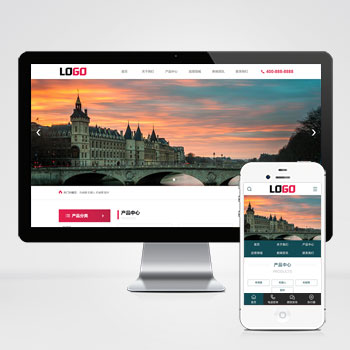 (PC+WAP)智能机器人人工智能物联网自动化设备源码下载本模板基于PbootCMS内核开发,为智能机器人及传感器科技企业精心设计。采用现代化设计风格,突出科技感与专业性,多方位展示企业技术实力与产品优势。查看源码
 -
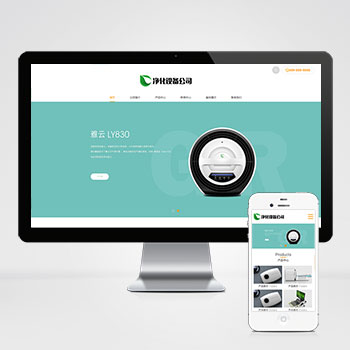 (自适应)宽屏大气的净水器智能电子设备网站pbootcms源码下载本模板基于PbootCMS内核开发,为净水器设备、智能电子设备企业量身打造,采用响应式设计技术,可快速构建专业级企业官网。通过本模板可高效展示产品技术参数、解决方案及企业服务优势。查看源码
 -
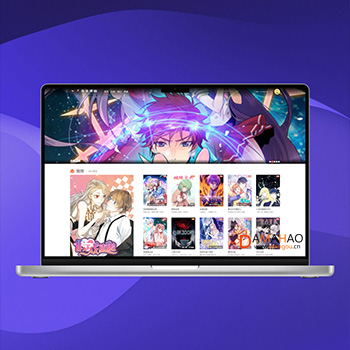 (PC+手机)帝国cms7.5漫画图片连载网站源码免费下载本模板基于帝国CMS7.5深度开发,为漫画阅读类网站打造。整体设计风格贴合漫画行业特性,界面布局充分考虑漫画作品的展示需求,支持多种漫画阅读模式。模板采用响应式设计,能够自动适配PC端和移动端设备,为读者提供流畅的阅读体验。查看源码
 -
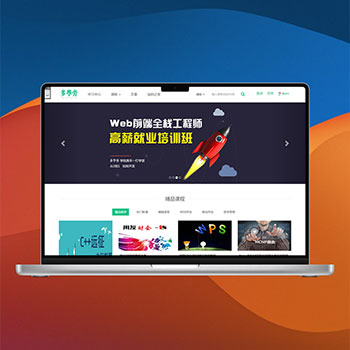 帝国cms7.5自适应手机端在线课程教育网站源码基于帝国CMS后台管理系统,支持在线修改支付参数、联系方式等配置信息,操作界面直观便捷。专注于在线教育视频领域,提供完整的视频课程展示、付费购买及在线支付解决方案。支持多种支付渠道,满足教育培训机构的运营需求。查看源码
 -
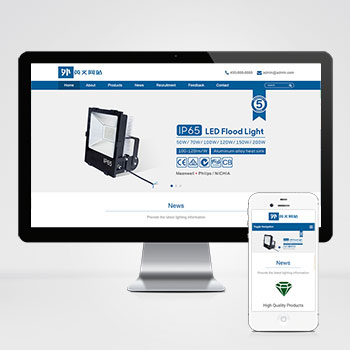 自适应LED照明外贸灯具灯泡灯具英文网站模板该外贸灯具网站模板专为LED照明、灯具出口企业定制,采用PbootCMS内核开发,提供高效建站方案。通过响应式设计和SEO优化能力,帮助企业低成本构建专业外贸展示平台。查看源码
 -
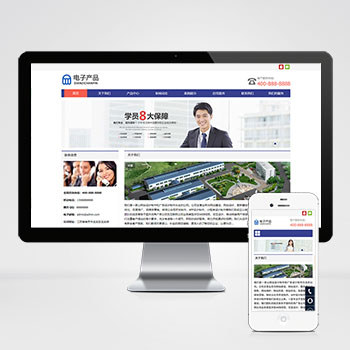 自适应电子科技类产品公司pbootcms网站模板基于PbootCMS内核开发,为电子科技类企业设计,适用于电子产品展示、企业官网等场景。该模板采用开源架构,用户可自由访问和修改源码,灵活适配各类行业需求,无需二次开发成本查看源码
| 分享笔记 (共有 篇笔记) |