您现在的位置是:首页 > cms教程 > DedeCMS教程DedeCMS教程
织梦dede后台Fatal error: Allowed memory size of 8388608 bytes
 忆柳2024-05-30DedeCMS教程已有人查阅
导读解决方式一: ( 我用这方式就可以安装了) 打开在.htaccess 文件裡 最上面开头加上 php_value max_execution_time 1
解决方式一: ( 我用这方式就可以安装了)
打开在.htaccess 文件裡 最上面开头加上
或者在httpd.conf主机配置里改
解决方式三: (这个我试过没什麽作用..请高手帮忙解释)
如出现这种问题则表明,程序运行占用的记忆空间超过了8M,解决方法修改PHP.ini文件将
memory_limit = 8M ;
的值改为12M就可以了


打开在.htaccess 文件裡 最上面开头加上
php_value max_execution_time 1200
php_value memory_limit 200M
php_value post_max_size 200M
php_value upload_max_filesize 200M
解决方式二: (这我就不太会请高手解释)或者在httpd.conf主机配置里改
解决方式三: (这个我试过没什麽作用..请高手帮忙解释)
如出现这种问题则表明,程序运行占用的记忆空间超过了8M,解决方法修改PHP.ini文件将
memory_limit = 8M ;
的值改为12M就可以了
This error message can spring up in a previously functional PHP script when the memory requirements exceed the default 8MB limit. Don’t fret, though, because this is an easy problem to overcome.To change the memory limit for one specific script by including a line such as this at the top of the script:
ini_set("memory_limit","12M");
The 12M sets the limit to 12 megabytes (12582912 bytes). If this doesn’t work, keep increasing the memory limit until your script fits or your server squeals for mercy.
You can also make this change permanently for all PHP scripts running on the server by adding a line like this to the server’s php.ini file:
memory_limit = 12M
Keep in mind that a huge memory limit is a poor substitute for good coding. A poorly written script may inefficiently squander memory which can cause severe problems for frequently executed scripts. However, some applications are run infrequently and require lots of memory like importing and processing a big data file.
如果是vps云主机,服务器用户推荐大家采用第三种方法。
感谢您的认可和支持
微信
支付宝
本文标签:织梦cms后台
很赞哦! ()
相关教程
图文教程

dedecms模板标签代码List标记的语法和属性说明
功能说明:表示列表模板里的分页内容列表;适用范围:仅列表网站模板 list_*.htm;orderby 排序方式,有效的排序方式有 senddate、pubdate、id、click、lastpost、postnum ,默认为 sortrank
dedecms列表页栏目标题的优化修改方法
DEDE的默认认列表标题是:顶级栏目 / 一级栏目_网站标题,从这个默认的标题可以看出一级栏目并没有在前面,按照常见的说法是,越是在前面的东西
怎么修改dedecms文章页上一篇下一篇的字数
查找dedecms根目录下include/arc.archives.class.php此文件上篇文章标题字数修改: $this-PreNext[pre]
织梦dedecms5.7怎么去掉织梦链
DeDeCMS V5.7在万事瞩目的情况下诞生啦 但是安装或是升级后 首页底部友情链接有个 “织梦链” 的 选项卡,DEDECMS模板中心的客户让我去掉这个“织梦链” 的选项卡
相关源码
-
 (自适应)大型农业机械设备水稻玉米收割机网站pbootcms源码下载本模板基于PbootCMS内核开发,为农业机械设备制造与销售企业设计,特别适合水稻玉米收割机、拖拉机、播种机等农用机械展示。模板充分考虑了农机行业的特性,从产品展示到技术参数,从作业案例到售后服务查看源码
 -
 (PC+WAP)盆栽绿植观赏植物花卉租赁免费pbootcms网站模板为花卉盆栽租赁、园林绿化企业打造的PbootCMS网站模板,采用较新内核开发,PC与移动端数据实时同步。通过清新自然的视觉设计,精准展现植物养护、花卉展示等业务场景,帮助用户快速建立专业级行业网站。查看源码
 -
 (自适应响应式)门窗定制门业带视频功能pbootcms模板下载本模板采用PbootCMS内核开发,为门窗制造、定制安装企业打造,通过可视化后台管理系统快速构建品牌官网。自适应设计确保在手机、平板、电脑等设备上均能获得优质浏览体验查看源码
 -
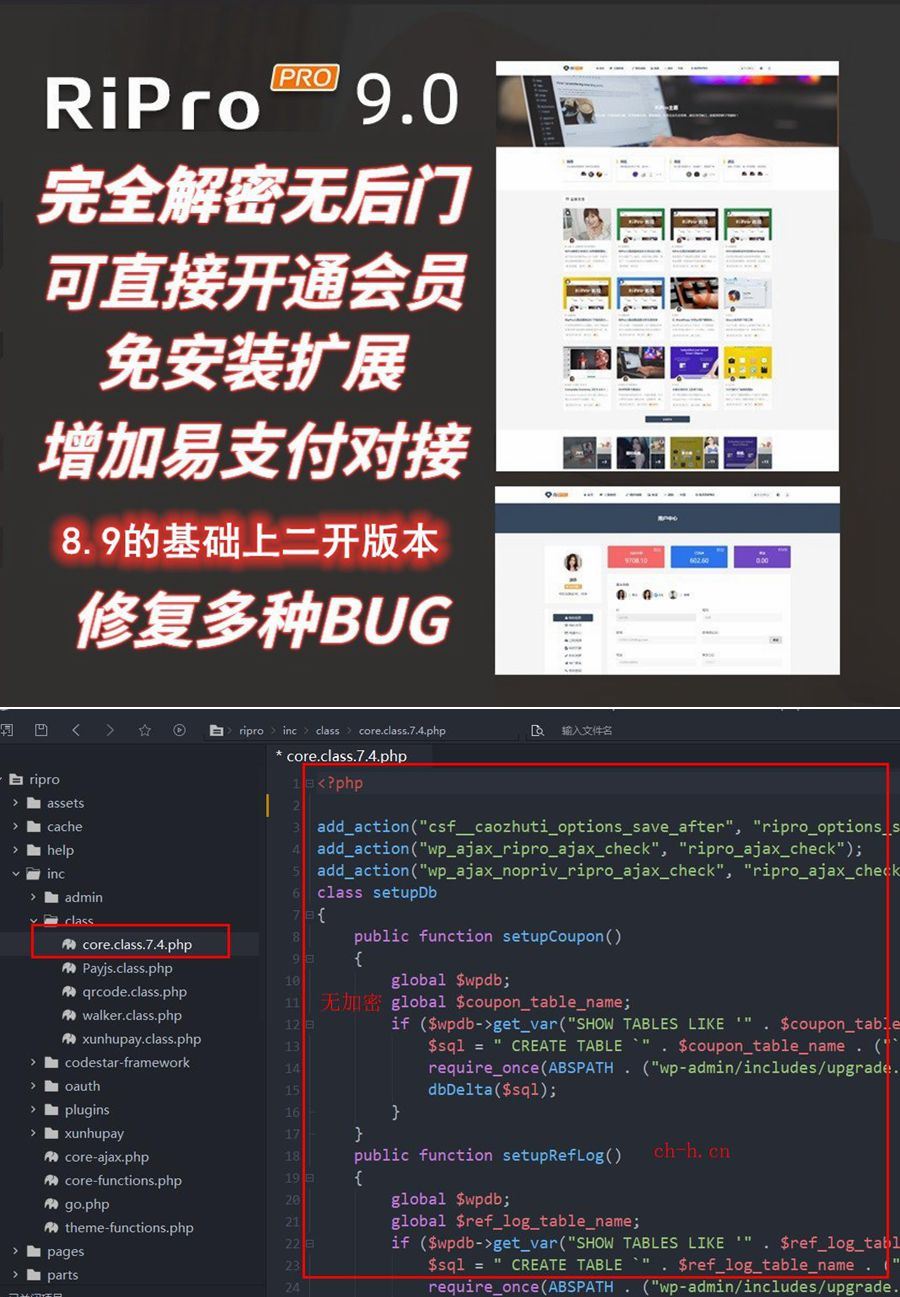 (响应式)WordPress主题Ripro9.0博客免扩展二开版RiPro9.0是基于RiPro8.9版本深度二开优化的资源付费主题,源码修正,修复原版多处功能异常,确保系统稳定运行。支持虚拟主机环境部署,无需特殊服务器配置。查看源码
 -
 (自适应响应式)HTML5电脑手机电子数码产品配件pbootcms模板下载本模板为电脑配件、手机配件及数码周边产品企业设计,基于PbootCMS内核开发。采用现代化响应式布局,适配各类移动设备,能够专业展示各类电子产品配件参数、应用场景和技术特点。模板内置多种产品展示模块,满足不同类型配件企业的展示需求。查看源码
 -
 (PC+WAP)家居装饰家装建材营销型网站pbootcms模板下载本模板基于PbootCMS开发,主要服务于家居装饰、建材及相关行业。采用现代化设计风格,同时适配PC和移动设备访问。模板结构清晰,突出展示家装案例和建材产品,帮助企业在线上建立专业形象,有效展示产品与服务优势。查看源码
| 分享笔记 (共有 篇笔记) |